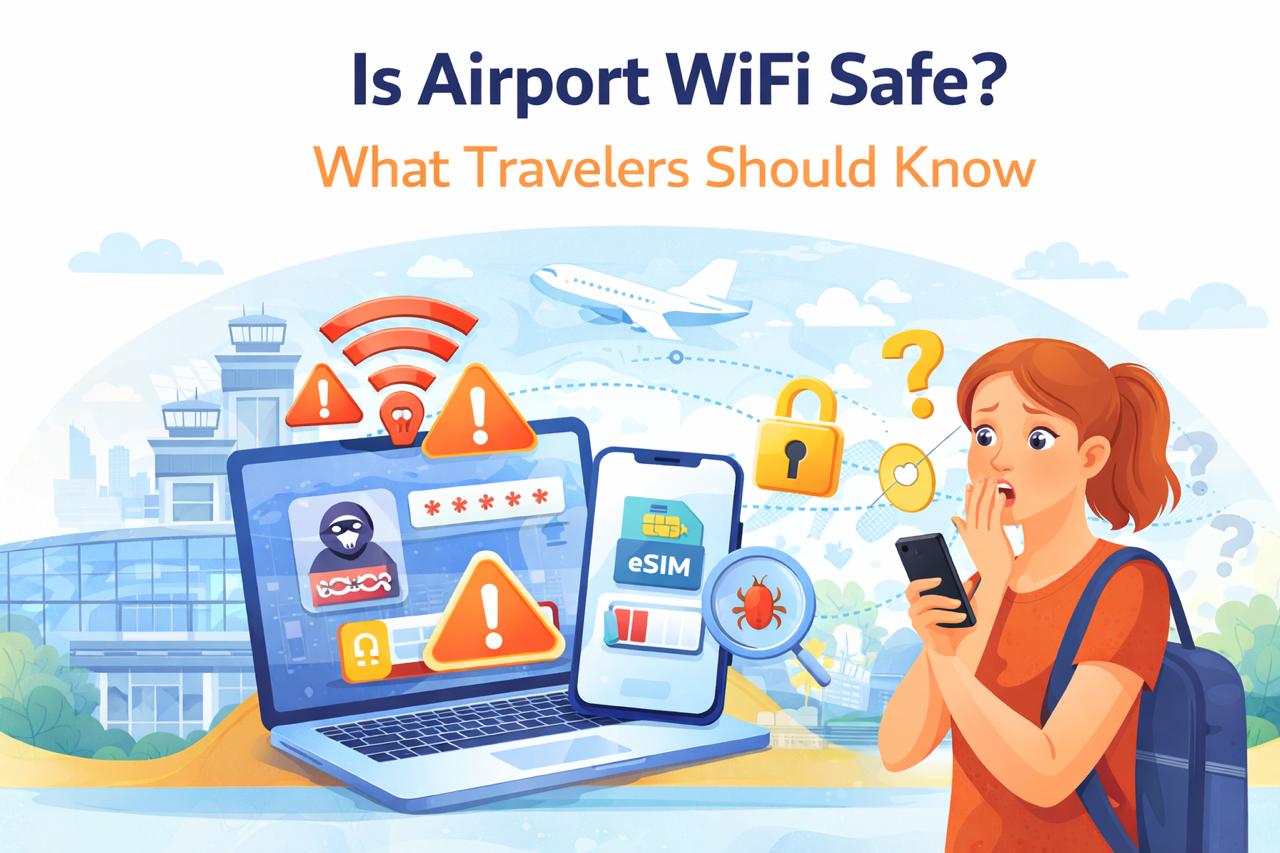
Free WiFi at airports can feel like a lifesaver when you’re traveling. Whether you want to check emails, book transportation, or message family after landing, public airport WiFi networks offer quick and convenient internet access.
But many travelers wonder: is airport WiFi actually safe to use?
Public WiFi networks, including those found in airports, can expose users to various cybersecurity risks. Because these networks are open and accessible to thousands of people every day, they are also attractive targets for hackers.
Understanding the risks—and knowing how to protect yourself—can help you stay connected without putting your personal information at risk.
Common Airport WiFi Risks
Public airport WiFi networks are convenient, but they are not always secure. Unlike private home networks, public WiFi usually has minimal security controls, making it easier for attackers to monitor network activity.
Some of the most common risks include:
Unencrypted connections that allow attackers to intercept data
Network snooping, where hackers monitor traffic on the same network
Session hijacking, which can allow someone to access accounts you are logged into
Malware distribution through compromised websites or downloads
Even simple activities such as logging into email or social media can expose sensitive information if the network is not secure.
Airports often implement security measures on their official networks, but the sheer number of users makes complete protection difficult.
Fake Hotspots & MITM Attacks
One of the most common threats in public WiFi environments is the fake hotspot attack.
Hackers sometimes create WiFi networks that appear legitimate. These networks may have names that closely resemble the airport’s official WiFi network, such as:
Airport_Free_WiFi
Airport_Guest
Free_Airport_Internet
When travelers connect to these networks, attackers can monitor or manipulate the data passing through them.
This type of attack is often called a Man-in-the-Middle (MITM) attack. In this scenario, the attacker secretly intercepts communication between your device and the websites you visit.
Potential consequences include:
Stolen login credentials
Captured credit card information
Injected malware or phishing pages
Because the network appears legitimate, many users do not realize their connection has been compromised.
Are VPNs Enough?
Using a Virtual Private Network (VPN) is one of the most common recommendations for protecting yourself on public WiFi.
A VPN encrypts your internet traffic, creating a secure tunnel between your device and the VPN server. This encryption prevents other users on the same network from seeing your data.
VPNs can help protect against:
Network snooping
Data interception
Some types of MITM attacks
However, VPNs are not a perfect solution.
For example:
A VPN cannot fully protect you if you connect to a malicious website.
Some fake hotspots may attempt to block or interfere with VPN connections.
Free VPN services may introduce privacy risks of their own.
While VPNs significantly improve security, they should be considered one layer of protection rather than a complete solution.
Safer Connectivity Alternatives
If you want to reduce security risks while traveling, there are several safer alternatives to public airport WiFi.
Use Mobile Data
Mobile data connections are generally more secure than public WiFi networks because they use encrypted communication with your mobile carrier.
Use an eSIM for Travel
Travel eSIM plans allow you to connect to local cellular networks without changing physical SIM cards. This can provide secure and reliable internet access during international trips.
Use Personal Hotspots
If you are traveling with multiple devices, using your phone as a personal hotspot can provide a safer connection than public WiFi.
Verify Official Networks
If you must use airport WiFi, always confirm the official network name with airport signage or staff before connecting.
Conclusion
Airport WiFi can be convenient, but it is not always the safest way to access the internet while traveling.
Public networks are vulnerable to threats such as fake hotspots, data interception, and man-in-the-middle attacks. While tools like VPNs can help reduce these risks, they cannot eliminate them entirely.
For better security, travelers should consider alternatives such as mobile data, travel eSIM plans, or personal hotspots. These options provide more reliable protection and allow you to stay connected without exposing sensitive information.
With a few simple precautions, you can enjoy convenient internet access during your travels while keeping your personal data safe.